
Thinking Signal
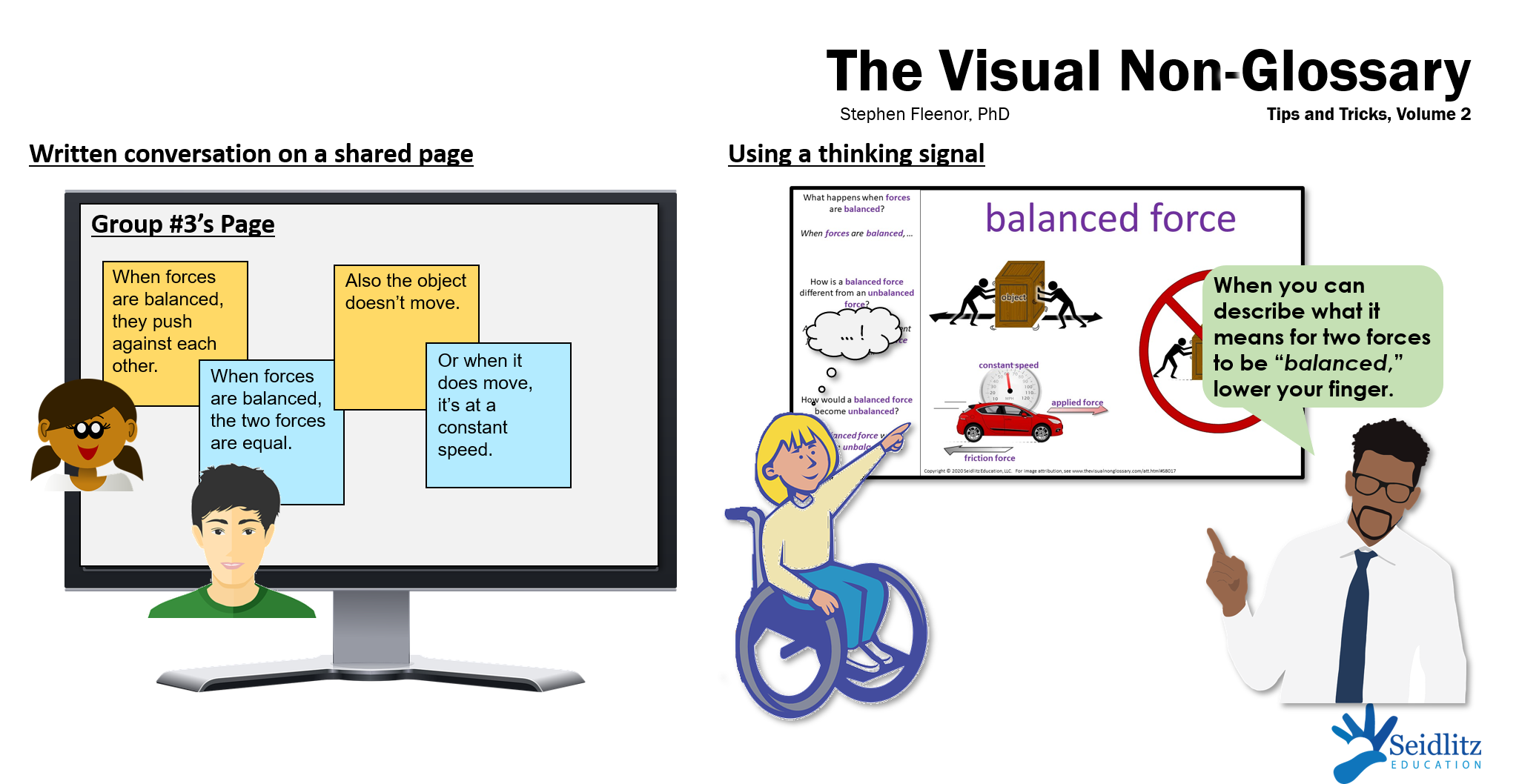
Having students show a thinking signal is a powerful strategy for providing the right amount of wait time, as well as helping students focus on the question. Classic thinking signals include giving a thumbs up, lowering one's hand, or sitting down when ready. In virtual or hybrid lessons, students can be instructed to type a specific letter into the chat but to not send it until they are ready to answer the question. My favorite thinking signal, in any type of lesson: instruct students to point to the vocabulary word above the visual, or the sentence stem, and to not lower their fingers until they are ready to finish the sentence. This gives them think time while priming them to use the key vocabulary word in their responses!
Interaction without Breakout Rooms
In virtual and hybrid lessons, highly structured breakout room sessions are excellent for students to interact with the visual, processing the content and practicing the language. In addition to breakout rooms, here are some excellent options for online interaction:
- Have students post a video on Flipgrid using the sentence stem, then instruct them to respond to other students' videos using stems such as "I agree/disagree with ____ because..." or "My response was different from ____ because..."
- Assign partners or groups, then instruct each group to send messages to each other on a specific shared document, Google Jamboard page, or Padlet post.
- Have students submit their complete sentences to the chat or a shared document or discussion board, then call on one or two students to unmute and read out loud their favorite response, giving credit to that student.
Note: However the students interact, it is key to follow up interaction with whole-group sharing by randomly calling on one or more students. This signals to the students that their peer-to-peer conversations matter!